网站模板 html营销软文案例
系统装机的三种引导方式
- u盘
- 光盘
- 网络装机
光盘:
1.类似于usb模式
2.刻录模式
系统安装过程
- 加载boot loader
Boot Loader 是在操作系统内核运行之前运行的一段小程序。通过这段小程序,我们可以初始化硬件设备、建立内存空间的映射图,从而将系统的软硬件环境带到一个合适的状态,以便为最终调用操作系统内核准备好正确的环境
- 加载启动安装菜单
- 加载内核和initrd系统(文件才能使用文件)
- 加载根系统()
- 运行anaconda的安装向导
Linux安装光盘的安装相关文件
在系统光盘的isolinux目录下有和安装相关的文件
- boot.cat: 相当于grub的第一阶段
- isolinux.bin:光盘引导程序,在mkisofs的选项中需要明确给出文件路径,这个文件属于SYSLINUX项目
- isolinux.cfg:启动菜单的配置文件,当光盘启动后(即运行isolinux.bin),会自动去找isolinux.cfg文件
- vesamenu.c32:是光盘启动后的启动菜单图形界面,也属于SYSLINUX项目,menu.c32提供纯文本的菜单
- memtest:内存检测程序
- splash.png:光盘启动菜单界面的背景图
- vmlinuz:是内核映像
- initrd.img:ramfs文件(精简版的linux系统,文件系统驱动等)
四大文件
vmlinux:是一个压缩的linux内核文件,它包含了操作系统的核心功能和驱动程序
initrd.img:是一个用于初始化RAM磁盘的初始RAM文件系统。它包含了操作系统启动时所需的基本文件和驱动程序
pxelinux.0:是一个PXE引导加载程序,用于启动网络引导
pxelinux.cfg/default:手动配置
实现自动化安装操作系统
Kickstart和PXE结合使用可以实现自动化的网络安装过程。
实现过程
1.网卡需要查找相关的dhcp服务器(获取地址)
2.找到后dhcp服务器提供ip地址,和引导程序(boot loader)的地址还提供给客户机TFTPserver地址(dhcp本身不提供tftp服务)
2.网卡使用tftp客户端把引导程序加载到内存中来
4.bios执行引导程序
5.引导程序会去TFTP去查找配置文件
6.根据配置文件去引导安装系统

PXE优点
1.规模化:同时装配多台服务器
2.自动化:安装系统、配置各种服务
3.远程实现:不需要光盘、U盘等安装介质
模拟PXE+KICKSTART无人值守安装操作系统
[root@localhost ~]# systemctl stop firewalld
[root@localhost ~]# setenforce 0
[root@localhost ~]# yum install dhcp -y
[root@localhost ~]# cat /etc/dhcp/dhcpd.conf
#
# DHCP Server Configuration file.
#   see /usr/share/doc/dhcp*/dhcpd.conf.example
#   see dhcpd.conf(5) man page
#
[root@localhost ~]# cp -p /usr/share/doc/dhcp-4.2.5/dhcpd.conf.example /etc/dhcp/dhcpd.conf
cp:是否覆盖"/etc/dhcp/dhcpd.conf"? y
[root@localhost ~]# vim /etc/dhcp/dhcpd.conf
subnet 192.168.118.0 netmask 255.255.255.0 {range 192.168.118.50 192.168.118.90;option routers 192.168.118.20;next-server 192.168.118.20;filename "pxelinux.0";
}
[root@localhost ~]# systemctl start dhcpd
[root@localhost ~]# systemctl status dhcpd
● dhcpd.service - DHCPv4 Server DaemonLoaded: loaded (/usr/lib/systemd/system/dhcpd.service; disabled; vendor preset: disabled)Active: active (running) since 二 2024-05-07 16:12:45 CST; 16s agoDocs: man:dhcpd(8)man:dhcpd.conf(5)Main PID: 12762 (dhcpd)Status: "Dispatching packets..."CGroup: /system.slice/dhcpd.service└─12762 /usr/sbin/dhcpd -f -cf /etc/dhcp/dhcpd.conf -user dhcpd -g...
[root@localhost ~]# yum install tftp-server -y
[root@localhost ~]# rpm -qc tftp-server
/etc/xinetd.d/tftp
[root@localhost ~]# vim /etc/xinetd.d/tftp
# default: off
# description: The tftp server serves files using the trivial file transfer \
#       protocol.  The tftp protocol is often used to boot diskless \
#       workstations, download configuration files to network-aware printers, \
#       and to start the installation process for some operating systems.
service tftp
{socket_type             = dgramprotocol                = udpwait                    = yesuser                    = rootserver                  = /usr/sbin/in.tftpdserver_args             = -s /var/lib/tftpbootdisable                 = noper_source              = 11cps                     = 100 2flags                   = IPv4
}
[root@localhost ~]# systemctl start tftp
[root@localhost ~]# systemctl status tftp
● tftp.service - Tftp ServerLoaded: loaded (/usr/lib/systemd/system/tftp.service; indirect; vendor preset: disabled)Active: active (running) since 二 2024-05-07 16:30:51 CST; 8s agoDocs: man:in.tftpdMain PID: 13007 (in.tftpd)CGroup: /system.slice/tftp.service└─13007 /usr/sbin/in.tftpd -s /var/lib/tftpboot5月 07 16:30:51 localhost.localdomain systemd[1]: Started Tftp Server.
5月 07 16:30:51 localhost.localdomain systemd[1]: Starting Tftp Server...
[root@localhost ~]# yum install syslinux -y
[root@localhost ~]# rpm -ql syslinux |grep "pxelinux.0"
/usr/share/syslinux/gpxelinux.0
/usr/share/syslinux/pxelinux.0
[root@localhost ~]# cp -p /usr/share/syslinux/pxelinux.0  /var/lib/tftpboot
[root@localhost ~]# yum install vsftpd -y
[root@localhost ~]# cd /var/ftp
[root@localhost ftp]# mkdir centos7
[root@localhost ftp]# mount /dev/sr0 /var/ftp/centos7
mount: /dev/sr0 写保护,将以只读方式挂载
[root@localhost ftp]# cd /var/ftp/centos7/
[root@localhost centos7]# ls
CentOS_BuildTag  GPL       LiveOS    RPM-GPG-KEY-CentOS-7
EFI              images    Packages  RPM-GPG-KEY-CentOS-Testing-7
EULA             isolinux  repodata  TRANS.TBL
[root@localhost centos7]# cd images/
[root@localhost images]# ls
efiboot.img  pxeboot  TRANS.TBL
[root@localhost images]# cd pxeboot/
[root@localhost pxeboot]# ls
initrd.img  TRANS.TBL  vmlinuz
[root@localhost isolinux]# cp -p initrd.img vmlinuz /var/lib/tftpboot/
[root@localhost tftpboot]# mkdir pxelinux.cfg/
[root@localhost tftpboot]# cd pxelinux.cfg/
[root@localhost pxelinux.cfg]# vim defaultdefault linux
timeout 600label linuxkernel vmlinuzappend initrd=initrd.img method=ftp://192.168.118.20/centos7    ks=ftp://192.168.118.20/ks.cfglabel linux textkernel vmlinuzappend text initrd =initrd.img method=ftp://192.168.118.20/centos7label linux rescuekernel vmlinuzappend rescue initrd=initrd.img method=ftp://192.168.118.20/centos7[root@localhost tftpboot]# ls
initrd.img  pxelinux.0  pxelinux.cfg  vmlinu
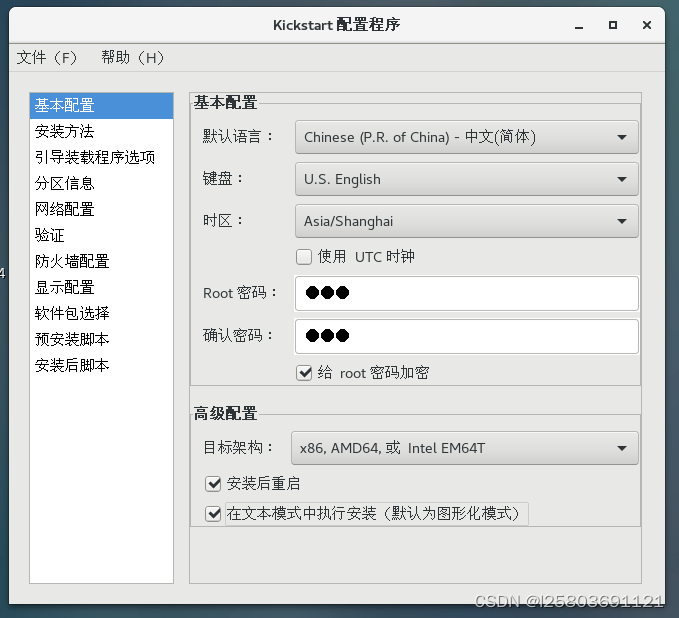
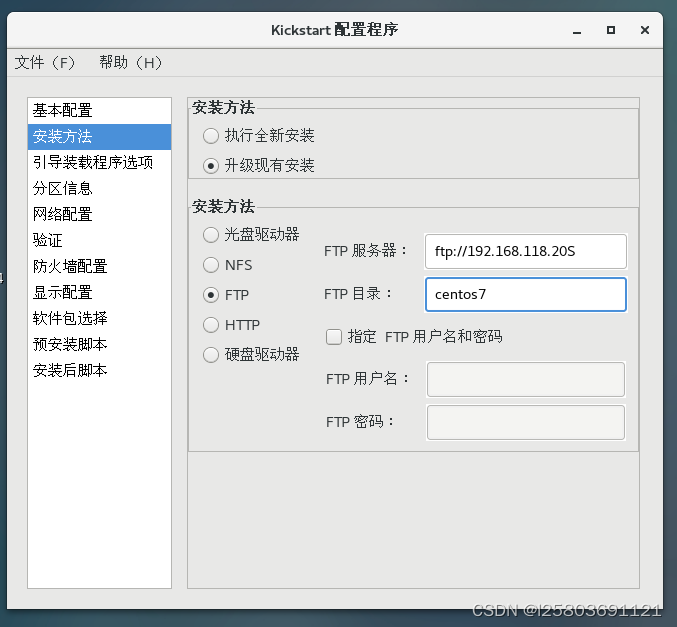
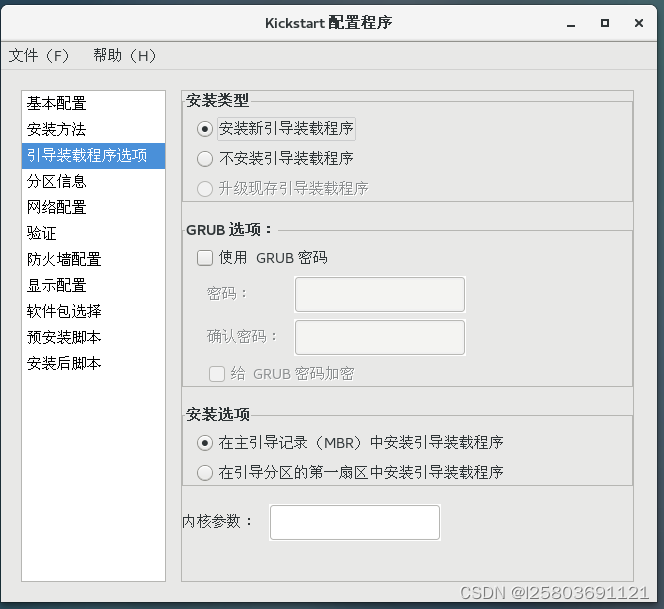
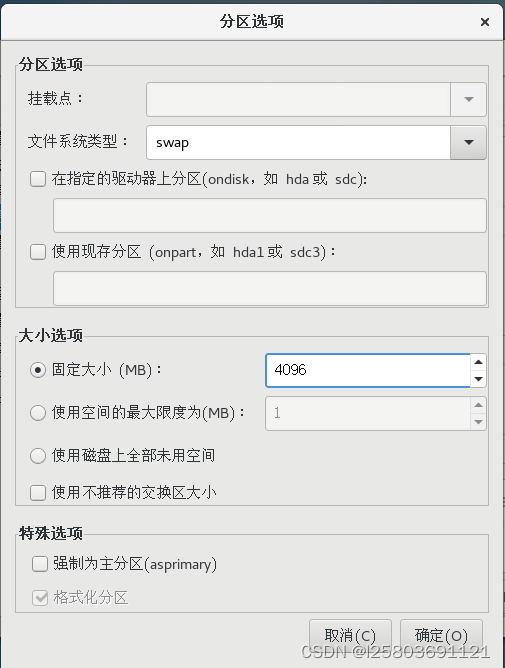
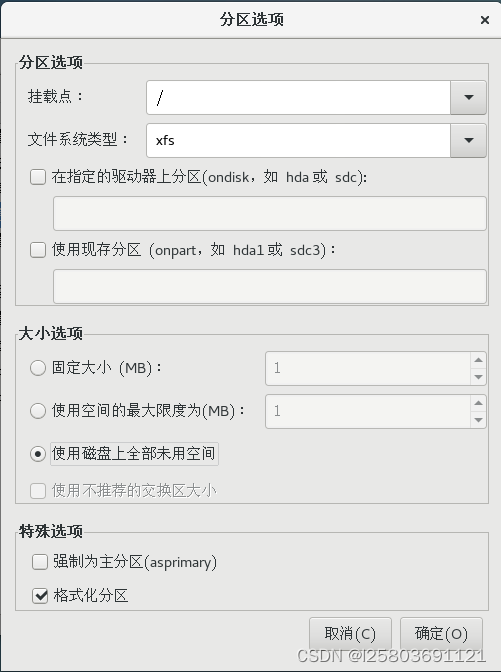
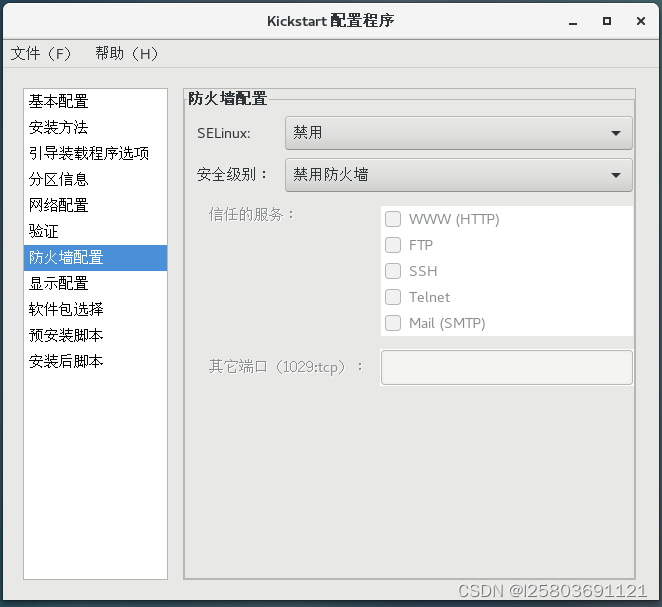
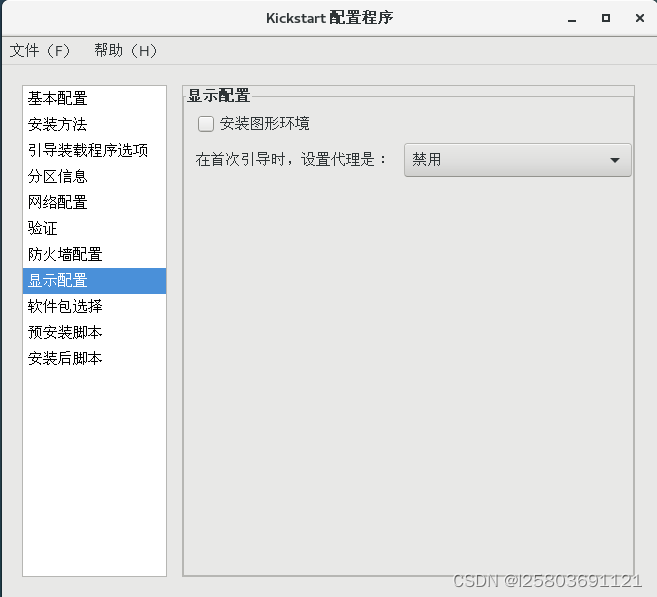
[root@localhost pxelinux.cfg]# yum install system-config-kickstart -y